The CBR reader for iPad

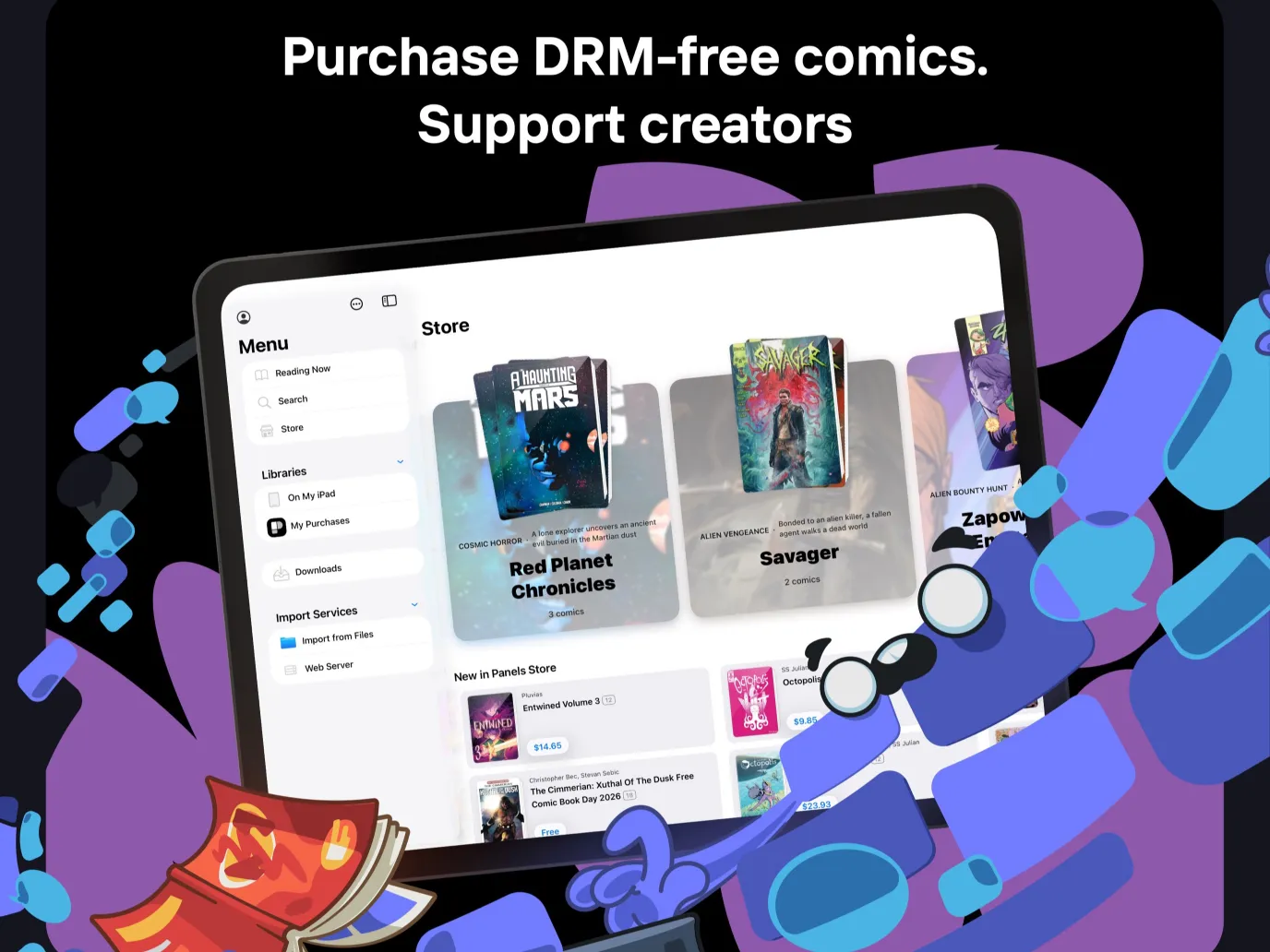
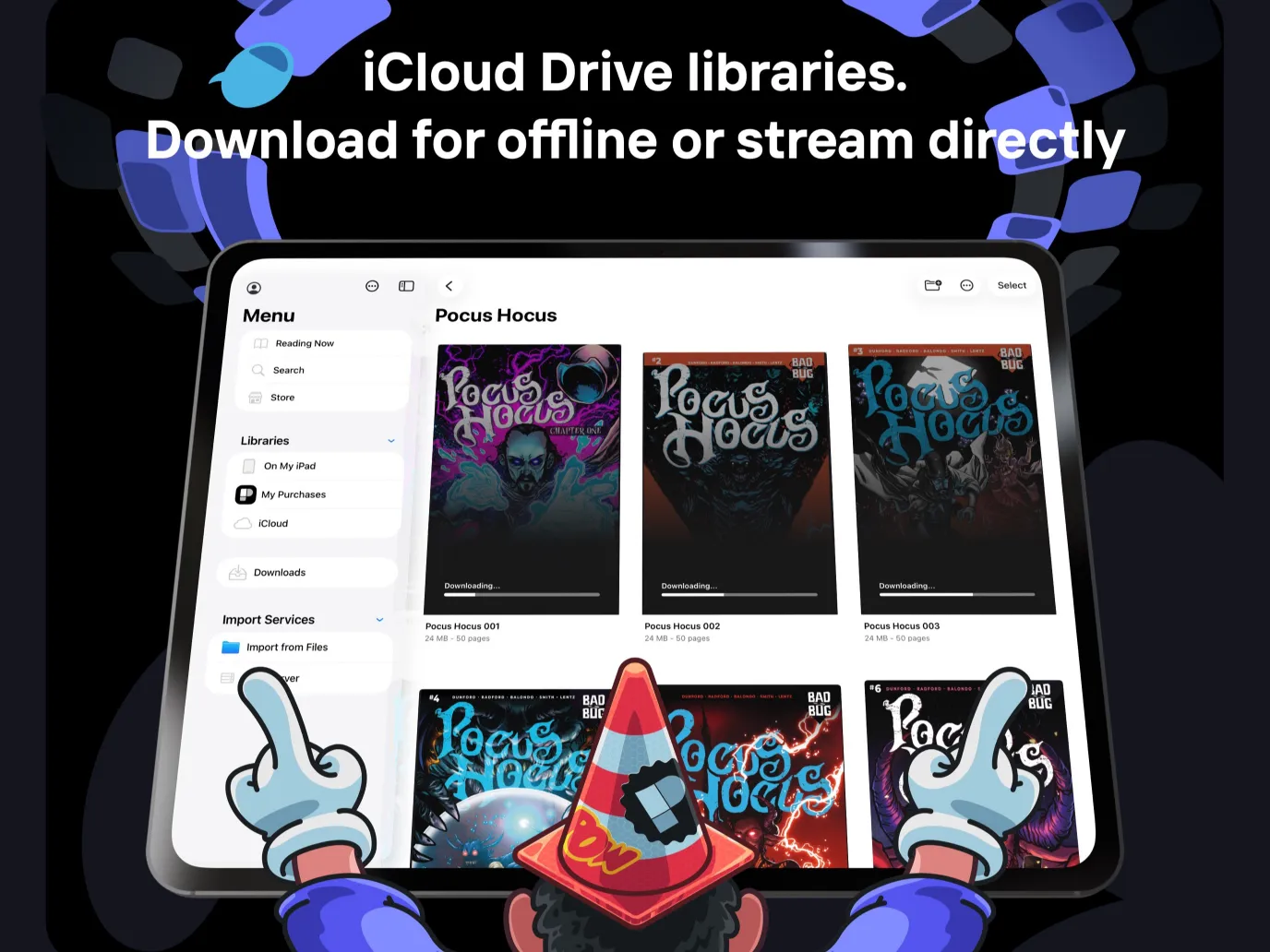
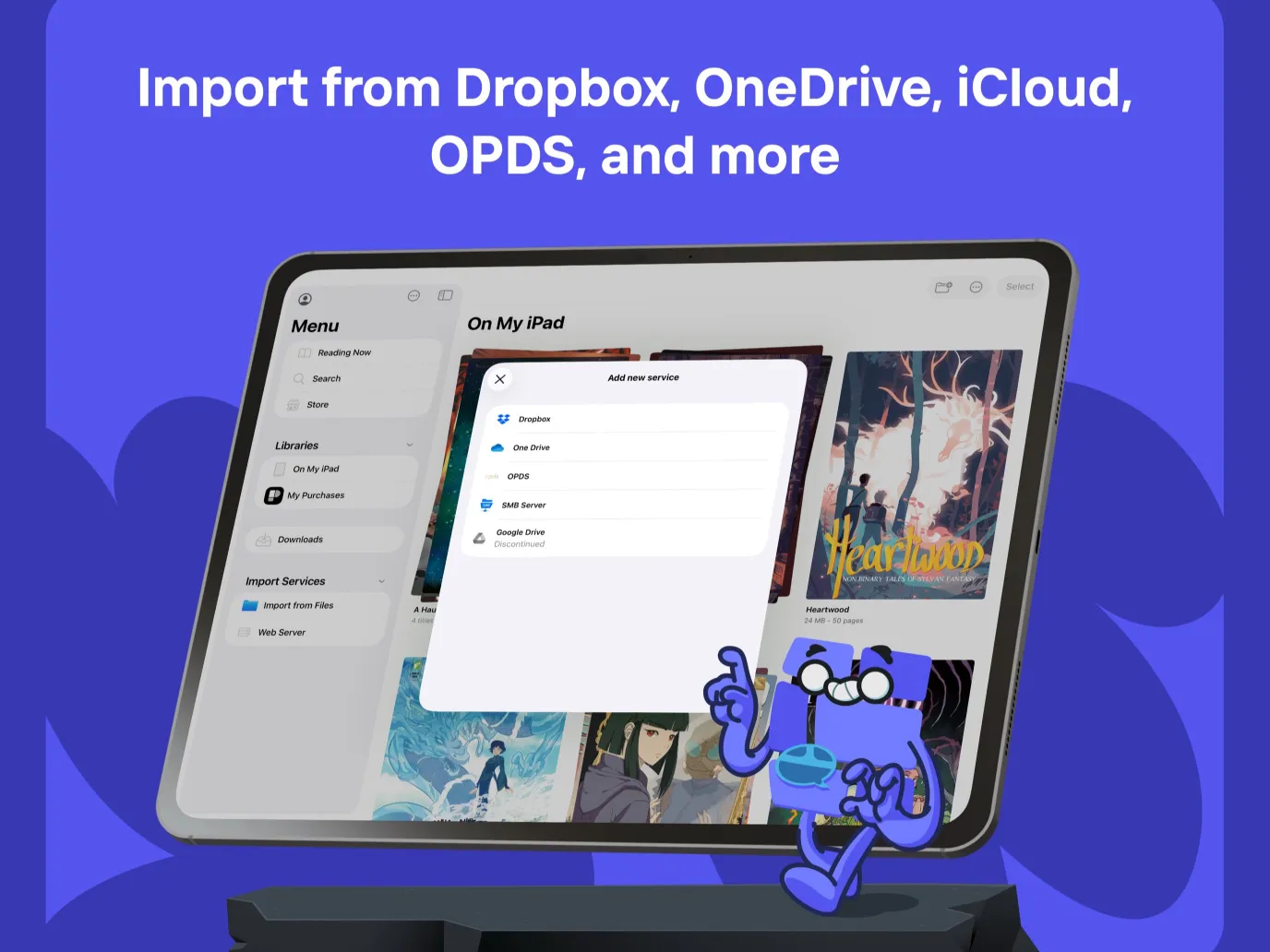
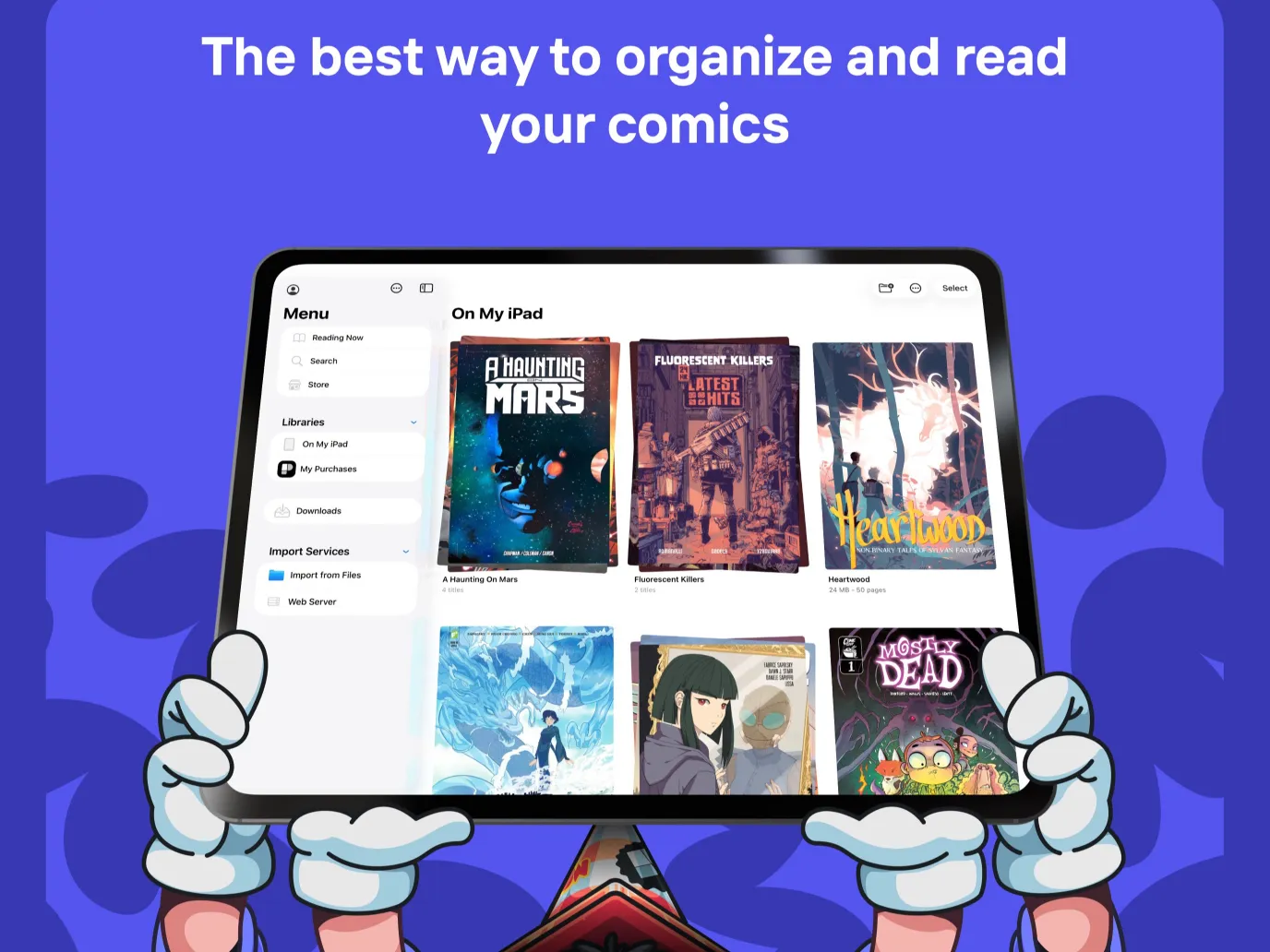
Panels is a native iPad app for reading CBR and CBZ comics, plus 7z, PDF and comic EPUB, without converting a thing. Open files straight from the iPad Files app, an iCloud Drive or Dropbox folder, or an OPDS server like Komga, Kavita or Calibre Content Server. The same library and reading progress follow you to iPhone and Mac.


Reads CBR, CBZ, 7z, PDF and comic EPUB

Panels opens the formats your comics actually ship in: CBR, CBZ, 7z, PDF and image based comic EPUB. No converting, no repacking. The same reader handles Western comics, manga and scanned books on iPad with the same controls.

Local files, iCloud Drive, Dropbox or your own server

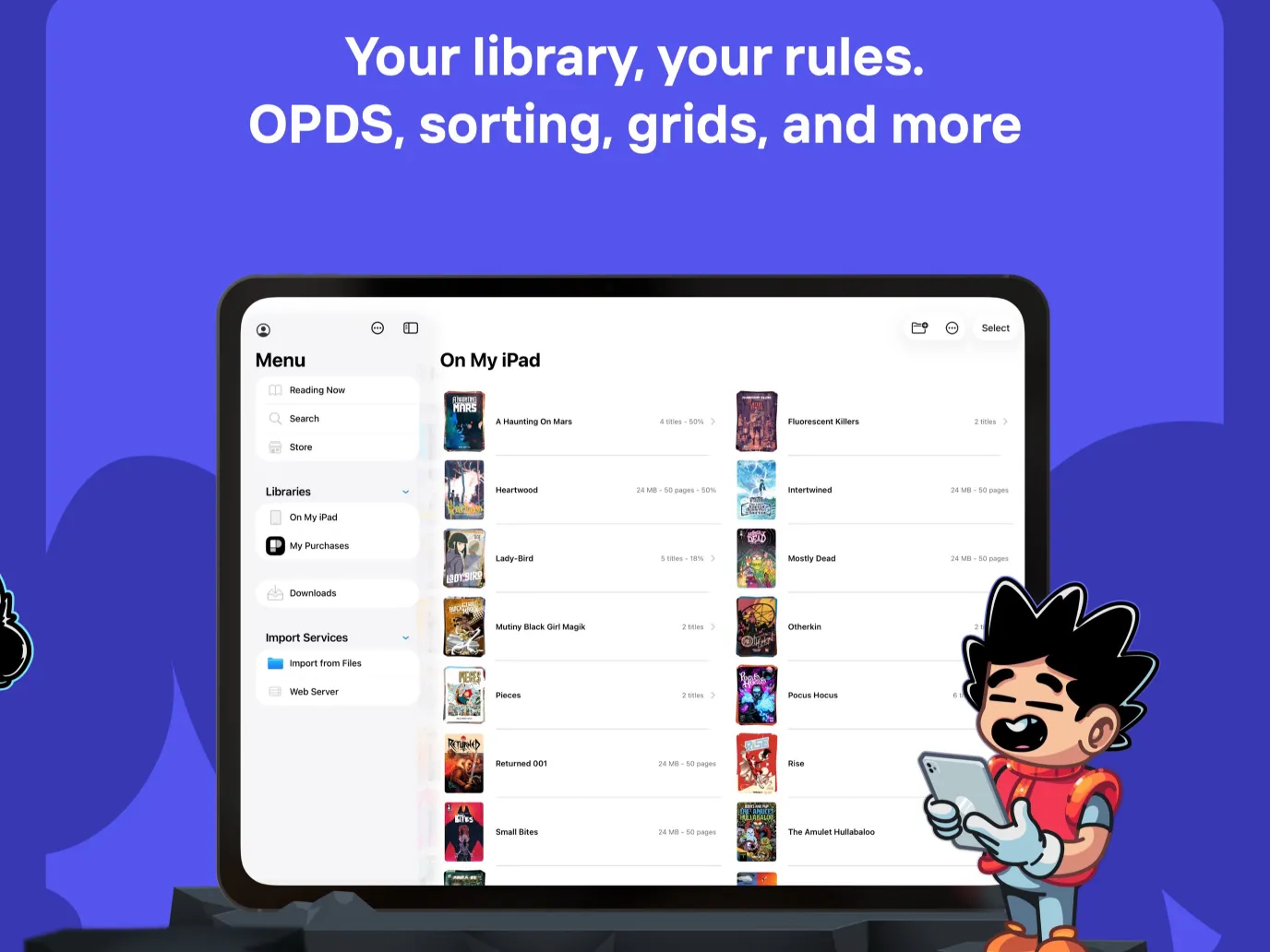
Add comics from a folder on your iPad through the Files app, from an iCloud Drive or Dropbox folder, or from a self hosted OPDS server like Komga, Kavita or Calibre Content Server. All library types use the same reader and the same library UI on iPad.

Single or double page spreads, manga ready

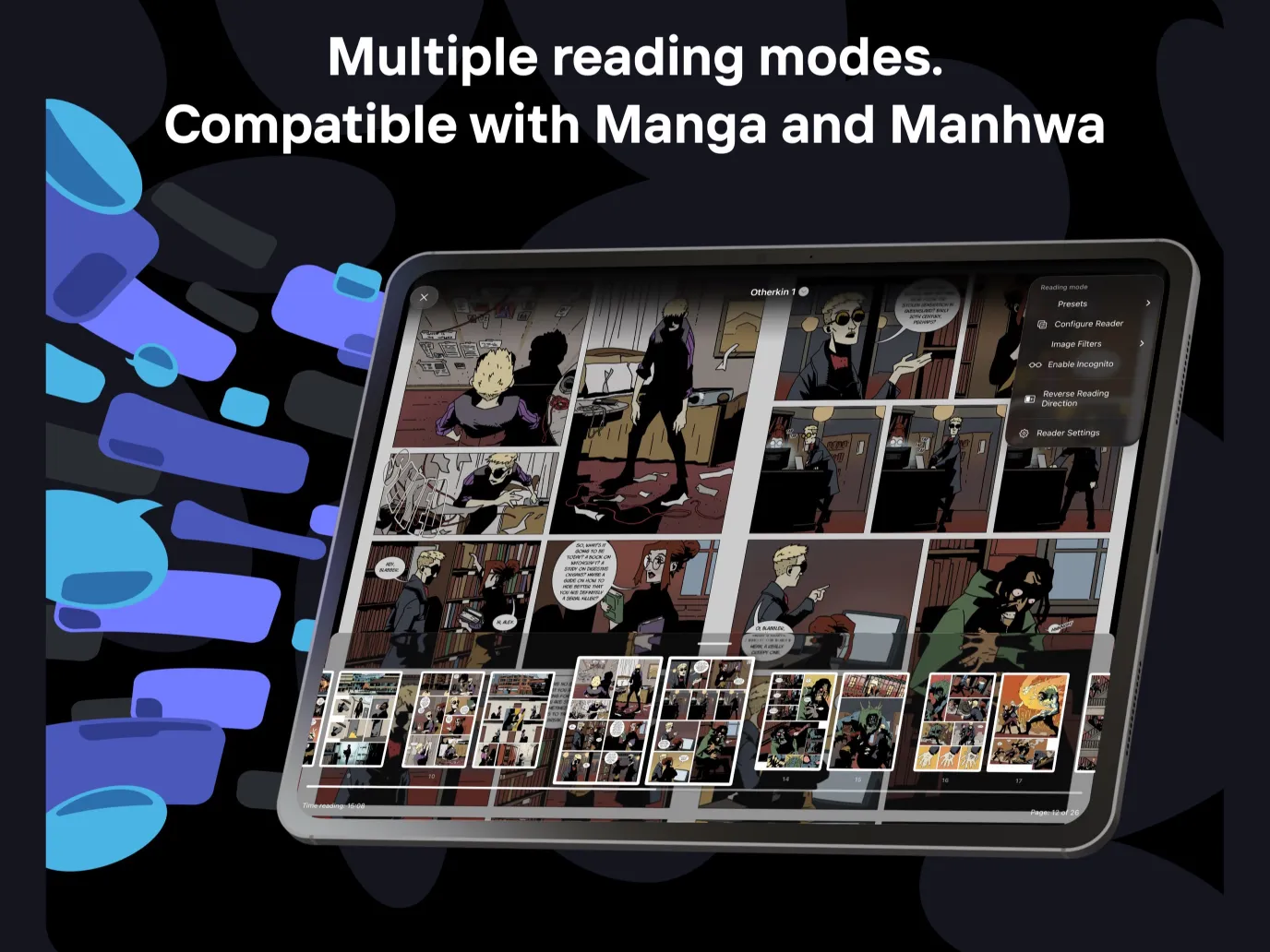
Rotate to landscape for a two page spread, perfect for the iPad screen, or stick with a single page in portrait. Right to left reading is built in for manga, and page curl animations, vertical scroll for manhwa and image filters are one tap away in the reader settings.

One library across iPad, iPhone and Mac

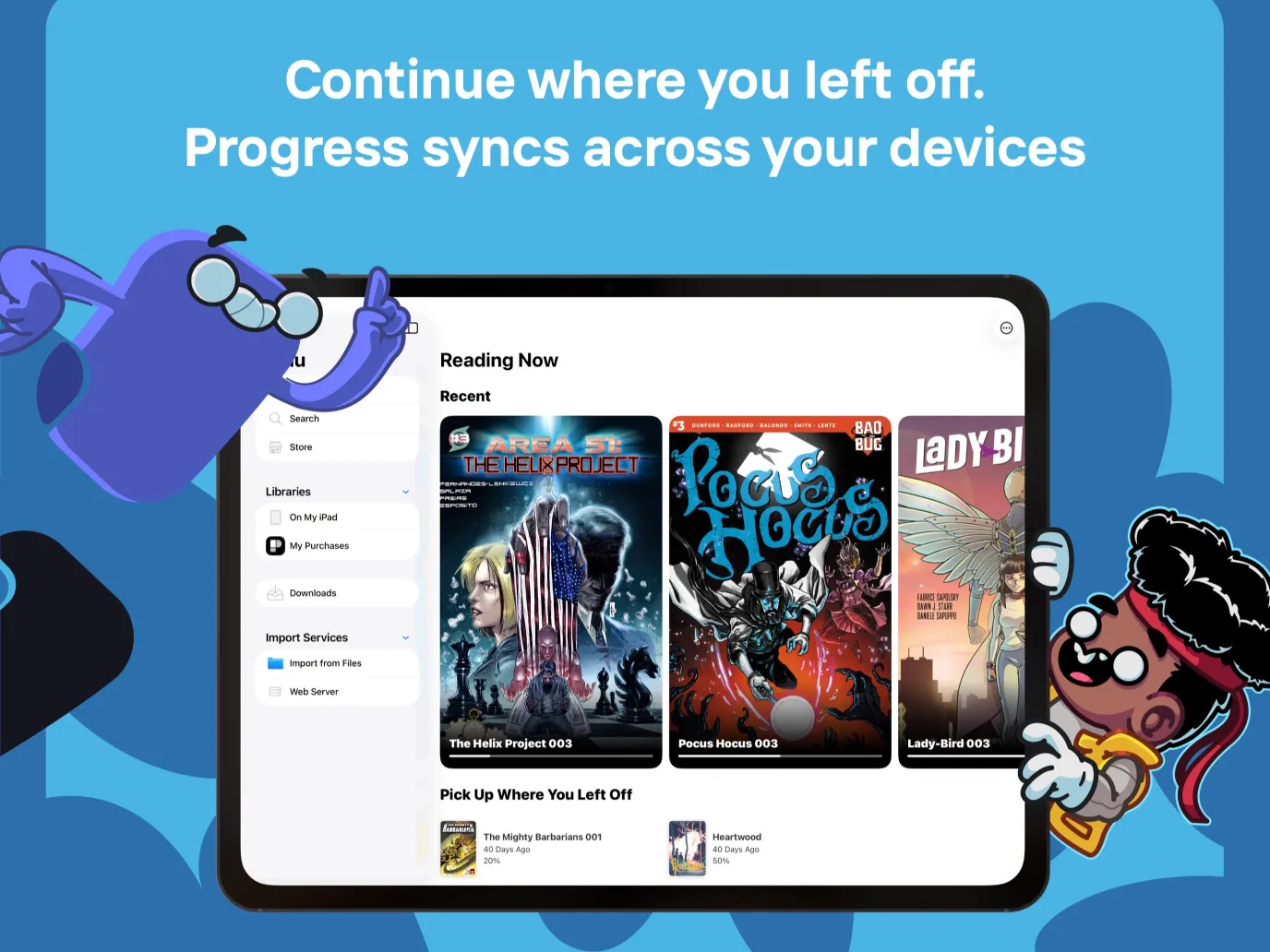
Panels is a Universal app on the App Store. Install once and use it on iPad, iPhone and Mac with the same account. With a cloud library in iCloud Drive or Dropbox, your content and reading progress sync automatically between devices, so where you stop on the iPad is where you pick up everywhere else.


Frequently asked questions

Does Panels open CBR files on iPad?
Yes. Panels opens CBR, CBZ, 7z, PDF and comic EPUB directly on iPad, with no converting. Comic EPUB means image based EPUB, the kind used for comics and manga, not reflowable text EPUB or light novels.
Where do my comic files have to live?
Wherever you want. Panels reads comics from a local folder on your iPad through the Files app, from an iCloud Drive or Dropbox folder, or from a self hosted OPDS server like Komga, Kavita or Calibre Content Server.
Does it work without internet?
Yes. Comics stored locally on your iPad or in an iCloud Drive folder that has been downloaded read with no network. OPDS libraries need a connection to the server while you stream or download, but once a book is downloaded you can read it offline.
Does my library sync between iPad and my iPhone or Mac?
Yes. With a cloud library in iCloud Drive or Dropbox, both your content and reading progress sync automatically between iPad, iPhone and Mac. With Komga or Kavita, reading progress syncs through the server's own progress API. With Calibre Content Server, which has no progress API, a free Panels account syncs progress through Panels' own servers.
Where do I get Panels for iPad?
Panels is on the App Store as a Universal app, so a single install covers iPad, iPhone and Mac. It is free to download and try, with optional Premium for advanced features. Get Panels on the App Store

Ready to read CBR and CBZ on iPad?

Panels is free to try on iPad, iPhone and Mac.

Read the blog.